- What a robots.txt file actually is and why almost every website needs one
- The exact robots.txt syntax, including User-agent, Disallow, Allow, wildcards, and Sitemap
- How Googlebot, Bingbot, and AI crawlers like GPTBot read and obey your rules
- How to create, test, and place a robots.txt file the right way
- The mistakes that accidentally deindex entire websites, and how to avoid them
- How robots.txt fits into crawl budget, technical SEO, and modern AI search
1 What Is Robots.txt
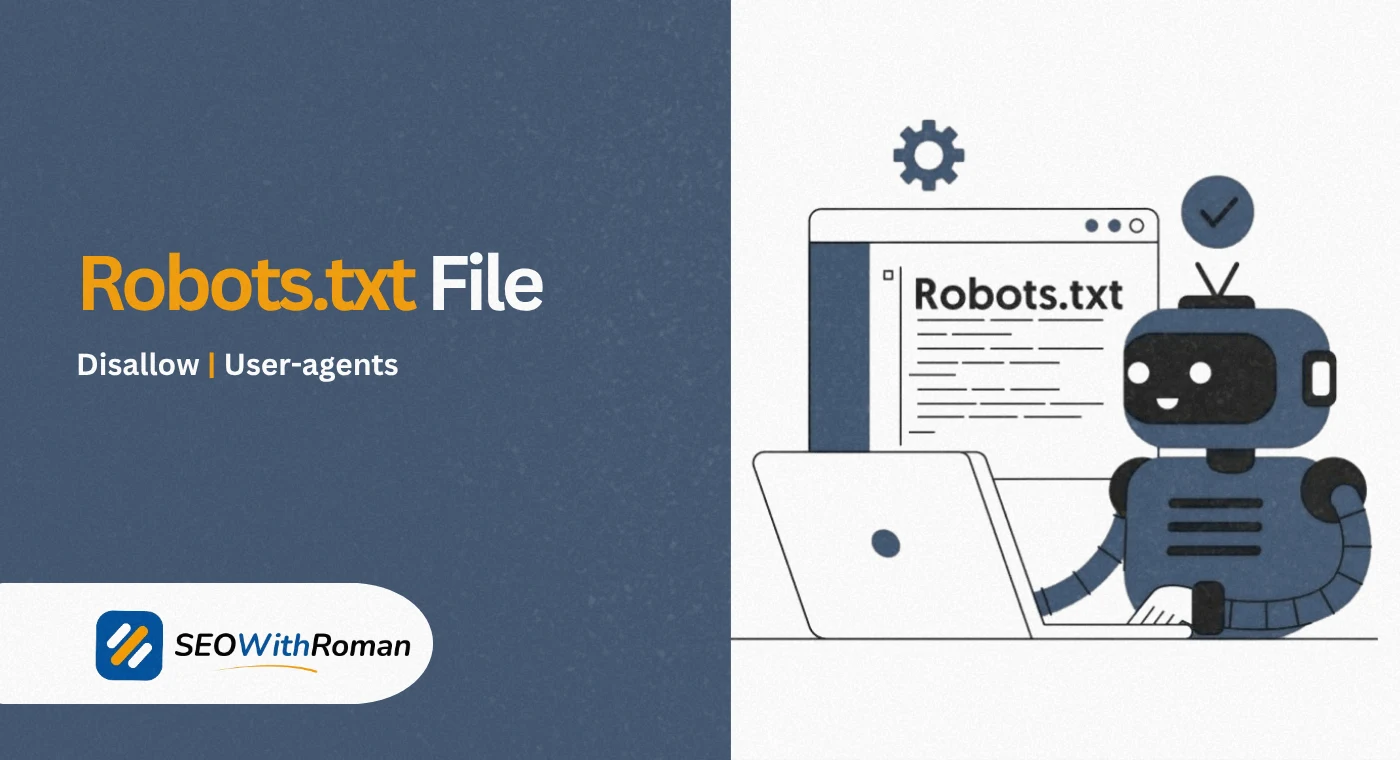
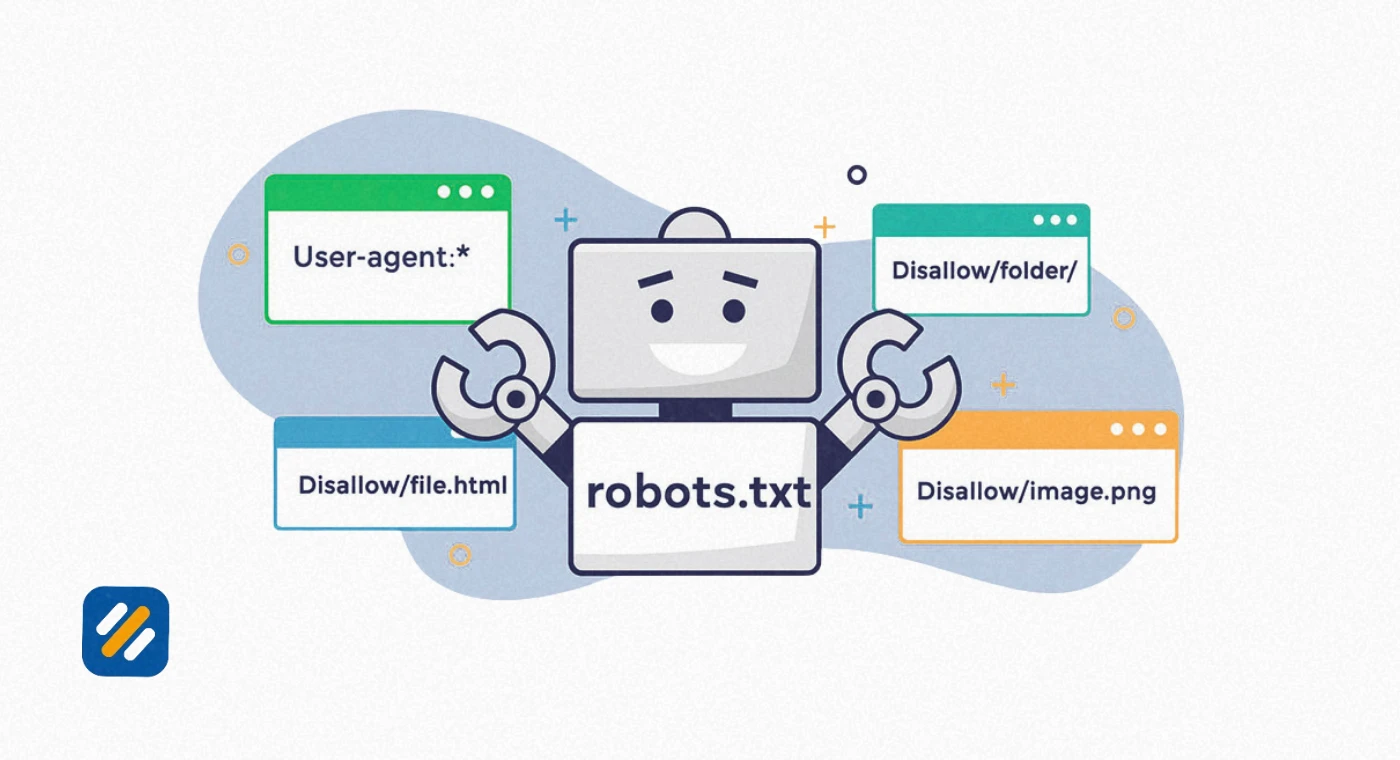
Robots.txt is a small plain text file placed at the root of a website that tells search engine bots and other automated crawlers which parts of the site they are allowed to crawl and which parts they should stay away from. It is the very first thing a well behaved crawler checks before it touches a single page on your domain.
Think of it as a sign posted at the entrance of a building. It does not lock any doors, it simply tells visitors which rooms they are welcome to walk into and which rooms are off limits. A polite visitor, like Googlebot or Bingbot, reads the sign and follows it. Robots.txt works on the same principle of politeness rather than enforcement.
Technically, robots.txt is the practical implementation of something called the Robots Exclusion Protocol, or REP, a standard originally created by developer Martijn Koster back in 1994. For nearly three decades it was an informal, widely respected convention rather than an official internet standard. That changed in September 2022, when the Internet Engineering Task Force formally standardized it as RFC 9309, with Google as one of the co-authors. This matters because it confirms robots.txt is not a guess or a myth, it is a documented, agreed upon set of rules that every major search engine has committed to respecting.
I have audited websites where the entire robots.txt file was exactly two lines long, and I have audited enterprise sites where it ran past two hundred lines. Both were doing their job correctly. Size is not what makes a robots.txt file good, correctness is.
Quick fact: A robots.txt file only controls crawling, not indexing. A page can still appear in Google's index without being crawled if enough other pages link to it, which is one of the most misunderstood parts of this entire topic and something we will unpack properly in section 8.
2 Why Robots.txt Matters for SEO
Every search engine bot, including Googlebot and Bingbot, operates on a limited allowance of time and resources for each website, commonly called crawl budget. Large sites with thousands or millions of URLs cannot expect a crawler to visit every single page every single day, so search engines prioritize based on signals like site authority, update frequency, and server response speed.
Robots.txt gives you direct influence over where that limited crawl budget gets spent. If Googlebot is wasting its visits crawling your internal search results pages, filtered product URLs, staging folders, or admin login screens, it has less time and fewer resources left to crawl and refresh the pages that actually earn you traffic and revenue.
This is where robots.txt becomes a genuine technical SEO tool rather than just a housekeeping file. Used correctly, it
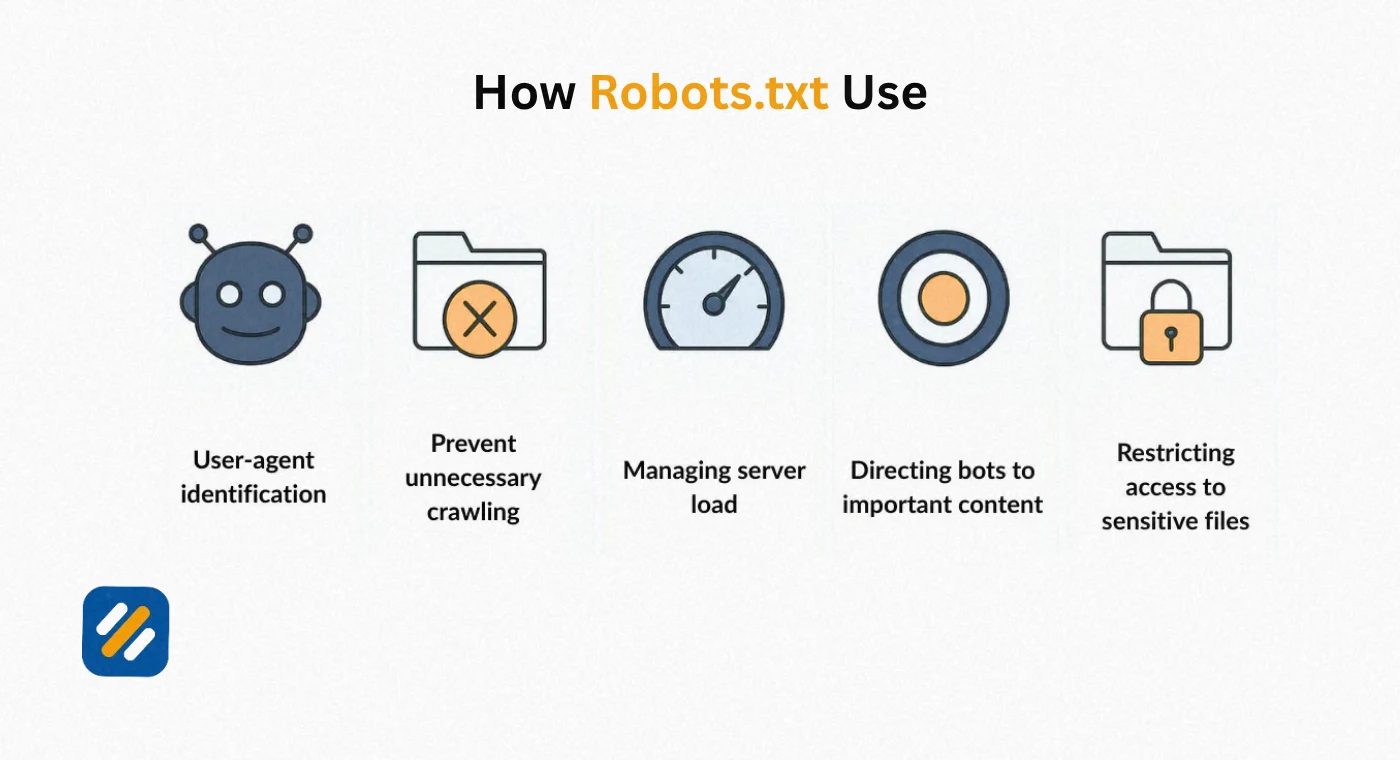
- Protects crawl budget by blocking low value or duplicate URL patterns
- Prevents server strain from aggressive or unnecessary bot traffic
- Stops sensitive internal directories from appearing in crawl reports
- Points crawlers toward your XML sitemap so they discover new content faster
- Reduces crawl errors caused by bots repeatedly hitting broken or blocked paths
None of this replaces a proper indexing strategy, but it removes friction that otherwise slows one down.
3 Robots.txt vs Meta Robots Tag vs X-Robots-Tag
One of the most common points of confusion I see, even among experienced marketers, is treating robots.txt, the meta robots tag, and the X-Robots-Tag HTTP header as if they were the same thing. They solve related problems in very different ways, and mixing them up is a fast way to create indexing chaos.
| Method | Where It Lives | What It Controls | Best Used For |
|---|---|---|---|
| Robots.txt file | Root directory of the domain | Whether a bot may crawl a URL at all | Blocking entire folders or URL patterns from being crawled |
| Meta robots tag | Inside the HTML head of a single page | Whether a crawled page may be indexed or its links followed | Keeping a specific page out of the index while still allowing it to be crawled |
| X-Robots-Tag | Server HTTP response header | Same as meta robots, but works on non-HTML files | Blocking PDFs, images, or other files that cannot hold a meta tag |
The critical distinction is this: robots.txt stops a crawler before it ever fetches the page, while a meta robots tag or X-Robots-Tag only takes effect after the page has already been crawled. If you disallow a URL in robots.txt, Googlebot never sees the noindex tag sitting inside that page, because it never opens the page to read it. This single misunderstanding is responsible for one of the most damaging robots.txt mistakes on the internet, which we cover in section 8.
4 Robots.txt Syntax Explained
Understanding robots.txt syntax is not complicated once you see it broken into its individual parts. A robots.txt file is built from simple directives, each one a single line written as a field and a value.
User-agent
The User-agent line tells a rule group which crawler it applies to. A wildcard asterisk applies the rule to every crawler that does not have its own specific group defined further down the file.
User-agent: * User-agent: Googlebot
User-agent: Bingbot
Disallow directive
The Disallow directive tells the named crawler which path it should not access. An empty Disallow value means nothing is blocked.
Disallow: /wp-admin/
Disallow: /checkout/
Allow directive
The Allow directive creates an exception inside a blocked folder, letting one specific file or subfolder be crawled even though its parent path is disallowed. This is especially useful when you need one file inside an otherwise blocked directory.
Disallow: /private/
Allow: /private/public-report.pdf
Wildcard characters
Robots.txt syntax supports two special characters that make crawl restrictions far more flexible than blocking one URL at a time.
Asterisk (*) matches any sequence of characters, useful for blocking entire URL patterns such as every URL containing a session ID
Dollar sign ($) anchors a match to the end of a URL, useful for blocking a specific file type site wide
Disallow: /*?sessionid=*
Disallow: /*.pdf$
Crawl-delay
Crawl-delay asks a crawler to wait a set number of seconds between requests to reduce server load. This directive is respected by Bingbot and several other crawlers, but Google has publicly stated Googlebot does not support Crawl-delay in robots.txt at all, and crawl rate for Google should instead be adjusted through Google Search Console's crawl rate settings when genuinely necessary.
User-agent: Bingbot
Crawl-delay: 10
Sitemap directive
The Sitemap directive points crawlers directly to your XML sitemap URL. Unlike other directives, this one is not tied to a specific User-agent group and can sit anywhere in the file, and you can list more than one sitemap URL if your site uses several.
Sitemap: https://www.example.com/sitemap.xml
5 How Googlebot, Bingbot, and Other Crawlers Actually Read It
Every major search engine runs its own crawler with its own product token, and understanding these names helps you write far more precise crawler directives instead of only ever using the blanket asterisk.
| Search Engine | Crawler Name | User-agent Token |
|---|---|---|
| Googlebot | Googlebot | |
| Google Images | Googlebot Image | Googlebot-Image |
| Bing | Bingbot | Bingbot |
| Yahoo | Slurp | Slurp |
| DuckDuckGo | DuckDuckBot | DuckDuckBot |
| Yandex | YandexBot | YandexBot |
| OpenAI | GPTBot | GPTBot |
| Google AI training | Google-Extended | Google-Extended |
Website crawling always follows the same basic sequence. Before a crawler requests any other URL on your domain, it requests yourdomain.com/robots.txt. If the file returns a normal 200 status with rules inside it, the crawler parses those rules and applies them for the remainder of that crawl session, often caching the file for up to 24 hours before checking again. If the file returns a 404 error, most crawlers treat that as permission to crawl everything, since no restrictions were provided. If the server returns a 500 level error, Google will typically treat this cautiously and may pause crawling of the site until the file becomes accessible again, since it cannot confirm what is or is not allowed.
This is precisely why robots.txt file location matters so much, which brings us to one of the most rigid rules in this entire protocol.
6 Robots.txt File Location: Why the Root Directory Is Non-Negotiable
A robots.txt file only works when it sits in the root directory of a domain, meaning it must be reachable at exactly yourdomain.com/robots.txt. Placing it inside a subfolder such as yourdomain.com/blog/robots.txt makes it completely invisible to crawlers, since the protocol only ever checks the root path.
Robots.txt rules are also specific to each protocol and subdomain. A file at https://www.example.com/robots.txt does not apply to http://www.example.com, and it does not apply to a separate subdomain like shop.example.com, which needs its own robots.txt file at its own root. This trips up a surprising number of businesses running a blog on one subdomain and a store on another, assuming one file governs both.
7 How to Create a Robots.txt File Step by Step
Creating a robots.txt file does not require any special software, just a plain text editor and access to your site's root directory.
Open a plain text editor. Use Notepad, TextEdit in plain text mode, or any code editor. Never use a word processor like Microsoft Word, since it can insert hidden formatting characters that break the file.
Write your User-agent groups. Decide whether your rules apply to all crawlers with an asterisk or to specific bots like Googlebot and Bingbot individually, and start each group with its own User-agent line.
Add Disallow and Allow directives. List the paths each crawler should avoid, and add Allow exceptions for anything that needs to stay accessible inside a blocked folder.
Add your Sitemap directive. Include the full, absolute sitemap URL so crawlers can find your XML sitemap without having to search for it separately.
Save the file as robots.txt. The filename must be lowercase and exact, with no capital letters and no file extension changes.
Upload it to your root directory. On most content management systems this means the top level public folder of your hosting account, not any subfolder.
Test it before trusting it. Confirm it loads correctly by visiting yourdomain.com/robots.txt directly in a browser, then run it through a validator, covered in section 9.
Pro Tip: If you are on WordPress, most SEO plugins like Yoast SEO or Rank Math let you edit robots.txt directly from the dashboard without touching server files at all. This is the safest route for beginners, since a manual upload mistake to the wrong directory can accidentally block your entire site.
8 Robots.txt Examples for Common Situations
Seeing real, working examples makes robots.txt syntax click far faster than reading directives in isolation. Here are patterns I have used across dozens of real client sites.
| Goal | Robots.txt Example |
|---|---|
| Allow full access to every crawler | User-agent: * Disallow: |
| Block the entire site from all crawlers | User-agent: * Disallow: / |
| Block one specific folder | User-agent: * Disallow: /checkout/ |
| Block one folder but allow one file inside it | User-agent: * Disallow: /downloads/ Allow: /downloads/free-guide.pdf |
| Block a specific crawler only | User-agent: GPTBot Disallow: / |
| Block URLs with query parameters | User-agent: * Disallow: /*? |
| Add a sitemap reference | Sitemap: https://www.example.com/sitemap.xml |
9 Common Robots.txt Mistakes That Quietly Hurt SEO
I have personally fixed emergency cases where a single wrong character in robots.txt silently removed an entire website from Google's search results for weeks before anyone noticed the traffic drop. These are the mistakes I see most often, in order of how damaging they are.
Blocking the whole site by accident. A single forgotten forward slash, Disallow: / instead of an intentional empty Disallow:, blocks every page on the domain. This usually happens when a staging site rule gets pushed live by mistake.
Disallowing pages that also have a noindex tag. As covered in section 3, if you disallow a URL in robots.txt, Google never crawls it, which means it never sees the noindex tag inside it. The page can then stay indexed indefinitely using only its URL and anchor text from external links, the exact opposite of the intended result.
Blocking CSS and JavaScript files. Older robots.txt files sometimes block script and style folders. Google needs to render pages fully to evaluate them properly, so blocking these resources can hurt how your pages are understood and ranked.
Using robots.txt to hide sensitive content. Robots.txt is publicly readable by anyone, including competitors and malicious actors. Listing a private admin path or an unlaunched product folder in Disallow actually advertises its existence rather than hiding it. Sensitive paths need real authentication, not a text file request.
Forgetting robots.txt is case sensitive. Disallow: /Folder/ and Disallow: /folder/ are treated as two completely different paths by most crawlers.
Assuming robots.txt blocks indexing entirely. As mentioned earlier, robots.txt governs crawling, not indexing. Blocking pages does not guarantee removal from search results if the pages are already indexed or heavily linked to.
10 How to Test and Validate Your Robots.txt File
Never publish robots.txt changes on a live site without testing first. A single line can be the difference between healthy indexing and a full scale traffic collapse.
| Tool | What It Does | Access |
|---|---|---|
| Google Search Console robots.txt report | Shows the exact file Google last fetched and flags parsing errors | search.google.com/search-console |
| Google's open source robots.txt parser | The actual C++ library Google uses internally, available for developers to test locally | github.com/google/robotstxt |
| Bing Webmaster Tools | Validates syntax specifically against Bingbot's interpretation | bing.com/webmasters |
| Screaming Frog SEO Spider | Simulates a full site crawl respecting your robots.txt rules before you publish them | screamingfrog.co.uk |
A dedicated robots.txt generator can also help beginners avoid syntax mistakes, but treat any generator output as a draft. Always review the generated file line by line and test it against your actual URL structure before uploading it, since generic templates rarely account for the specific folders unique to your site.
11 Robots.txt for AI Crawlers and GEO in 2026
Robots.txt has taken on a new layer of importance now that AI systems like ChatGPT, Perplexity, and Google's own AI Overviews rely on dedicated crawlers to gather training data and real time answers. Bots like GPTBot, ClaudeBot, and Google-Extended each have their own distinct User-agent token, which means you can now make separate decisions about search indexing versus AI training access.
A growing number of publishers choose to allow standard search crawlers like Googlebot and Bingbot full access while restricting AI training crawlers, since the two forms of access serve very different business goals. This is a decision worth making deliberately rather than by default, since the correct choice depends entirely on whether visibility in AI generated answers helps or competes with your traffic goals.
User-agent: Googlebot
Disallow:
User-agent: GPTBot
Disallow: /
User-agent: Google-Extended
Disallow: /
Whatever you decide, keep the list of named AI crawlers current. New crawler tokens are introduced regularly as more AI companies launch their own bots, and a robots.txt file that only ever addresses Googlebot and Bingbot is already behind the current crawling landscape.
12 Conclusion
Robots.txt looks like a throwaway text file, but it sits at the exact point where your website first introduces itself to every search engine crawler that visits. Get it right and you protect crawl budget, guide bots toward your best content, and keep sensitive paths out of crawl reports. Get it wrong, even with a single stray character, and you can quietly deindex pages that took months to rank.
The good news is that robots.txt syntax is genuinely simple once you understand the handful of directives covered in this guide. Start by reviewing your current file today, cross-check it against your sitemap, test it properly before making changes live, and revisit it every time your site structure changes in a meaningful way.
Have a question about your own robots.txt file or a specific crawl issue you are seeing in Search Console? Drop a comment below and I will answer it personally.
Join 1,000+ business owners and bloggers who get one actionable SEO tip every week — straight to their inbox. Free forever.
Get Free Weekly Tips →